Room 05 / Configure
Configure a safe working view.
Use the Teras Tengah sample project to choose a scenario, emphasis, information density, and guest visibility.
No sign-in · no upload · no data transfer
Return to: Product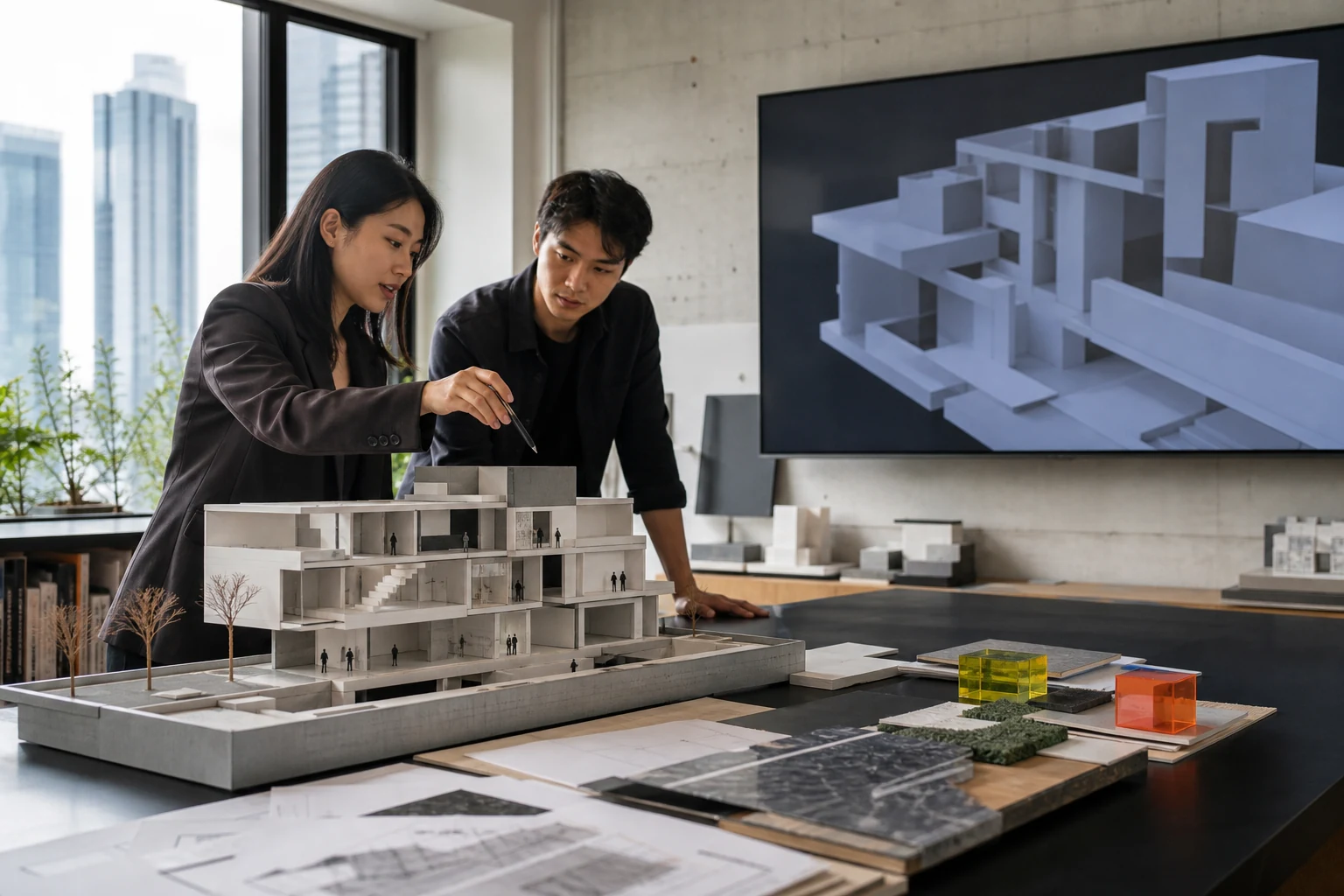
The studio context shows how a physical model, spatial view, and decision materials relate.
Workspace builder
Set four decisions, then review the result.
Every control is a native form element. The summary changes on this page and returns to its starting state when reset.
View output
What gets prepared.
This configuration changes only the emphasis of the sample project view. It creates no account, project, payment, or message.
- 01Starting room
The L02 model opens at the atrium and east corridor.
- 02Primary layer
Your emphasis decides whether model, issues, or sequence sits in front.
- 03Density
The density control changes how much metadata appears in the register.
- 04Access
Guest comments can be shown or limited to the core team.
Next step
Compare plans with a clear scope.
Use the configured view to decide whether Viewer, Studio, or Portfolio access fits.