Room 01 / Workspace
One model view, with decisions attached.
Open the federated model, move to issues or sequence, and keep level and zone context intact as work moves forward.
Architects · coordinators · clients · field teams
Next: Workflows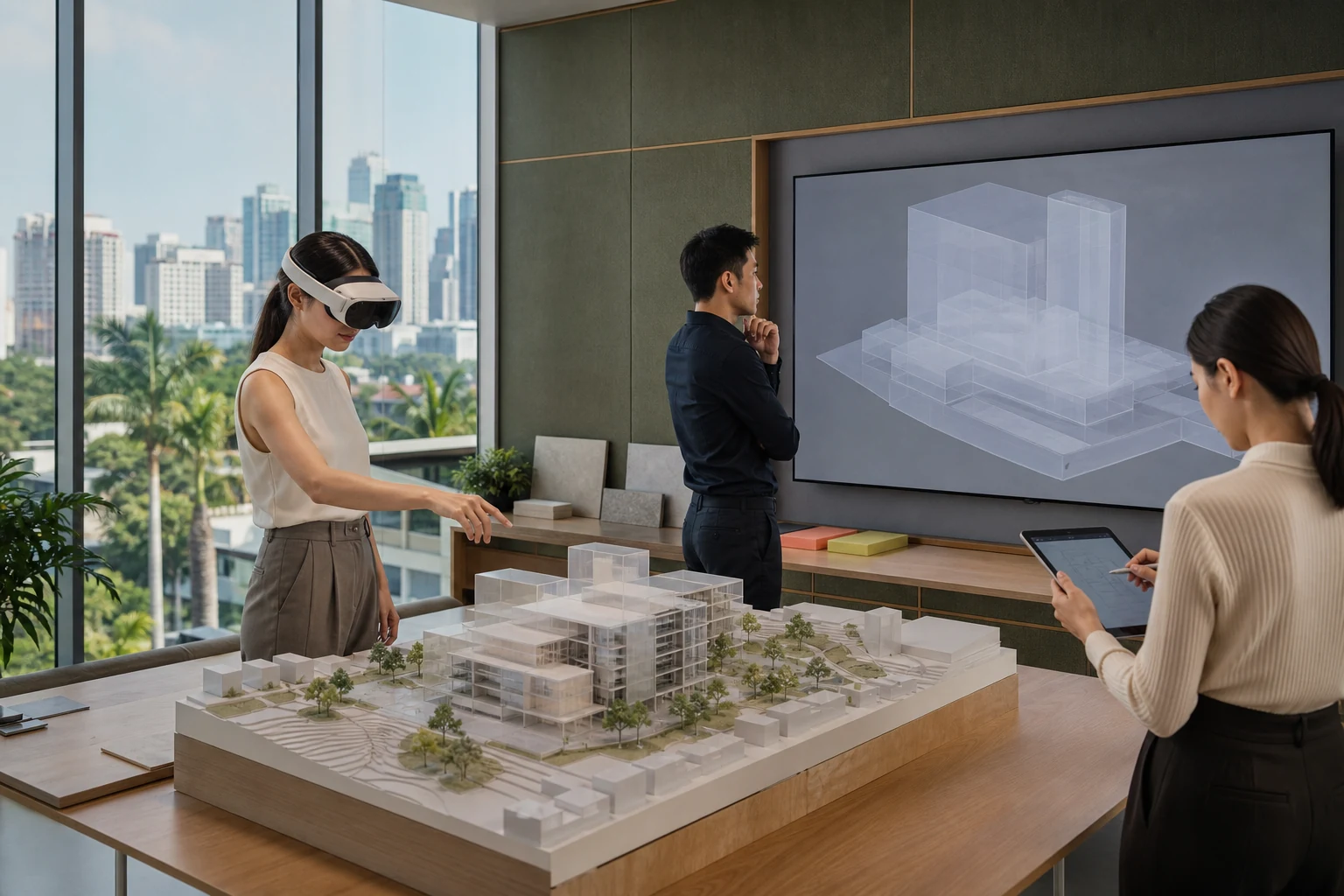
A review room can connect the physical model, shared view, and participant devices without replacing their authoring tools.
Working canvas
Change mode without losing location.
Use the Model, Issues, and Sequence controls. Tool buttons expose their active state, while every panel remains readable without browser scripting.
Model view active
Object register
Believable working objects.
Every record answers what is being viewed, where it sits, who owns the action, and which version is authoritative.
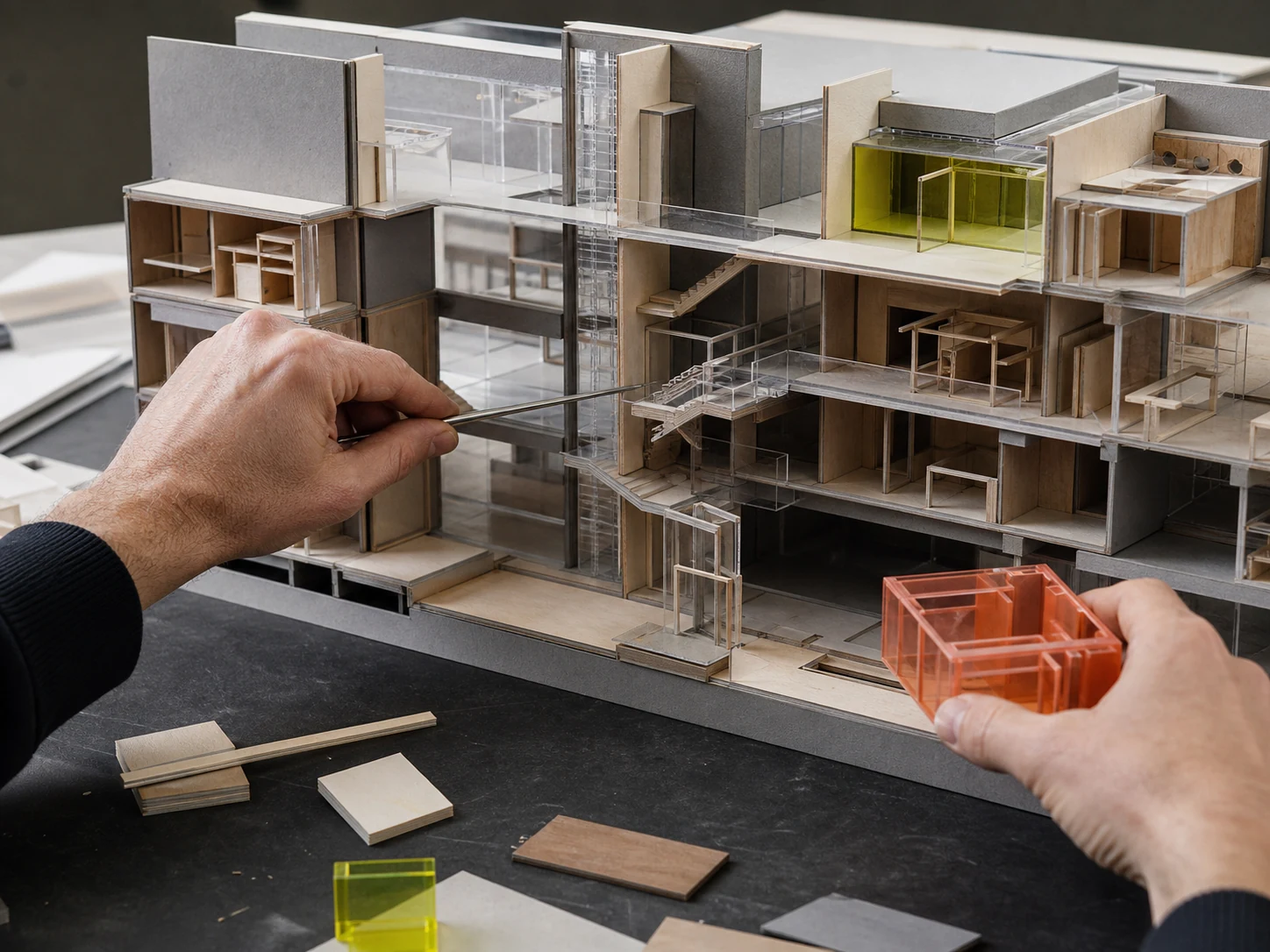
The sectional model detail keeps circulation and room modules in a clear physical relationship.
- M-018Federated modelCurrent
Architecture, structure, MEP, and landscape · Revision 18
- PRX-018Duct and beam conflictOpen
L02 · East corridor · owned by MEP coordinator
- DEC-042Access threshold widthIn review
Room 2.14 · design decision scheduled
- FIELD-07Installed soffit heightRecorded
L02 · field evidence attached to zone
Saved views
Density follows the room you enter.
The model view uses a large field; the issue register becomes denser; sequence opens time and responsibility. The visual threshold changes, the working language does not.
Model
Federated geometry, levels, zones, and decision pins.
Teras Tengah · Revision 18Issues
Status, action owner, discipline, and location.
Teras Tengah · Revision 18Sequence
Publish, check, review, and record.
Teras Tengah · Revision 1804 / Field
Compare the view with the real space.
Field evidence stays tied to its level and zone so studio decisions remain connected to installed conditions.
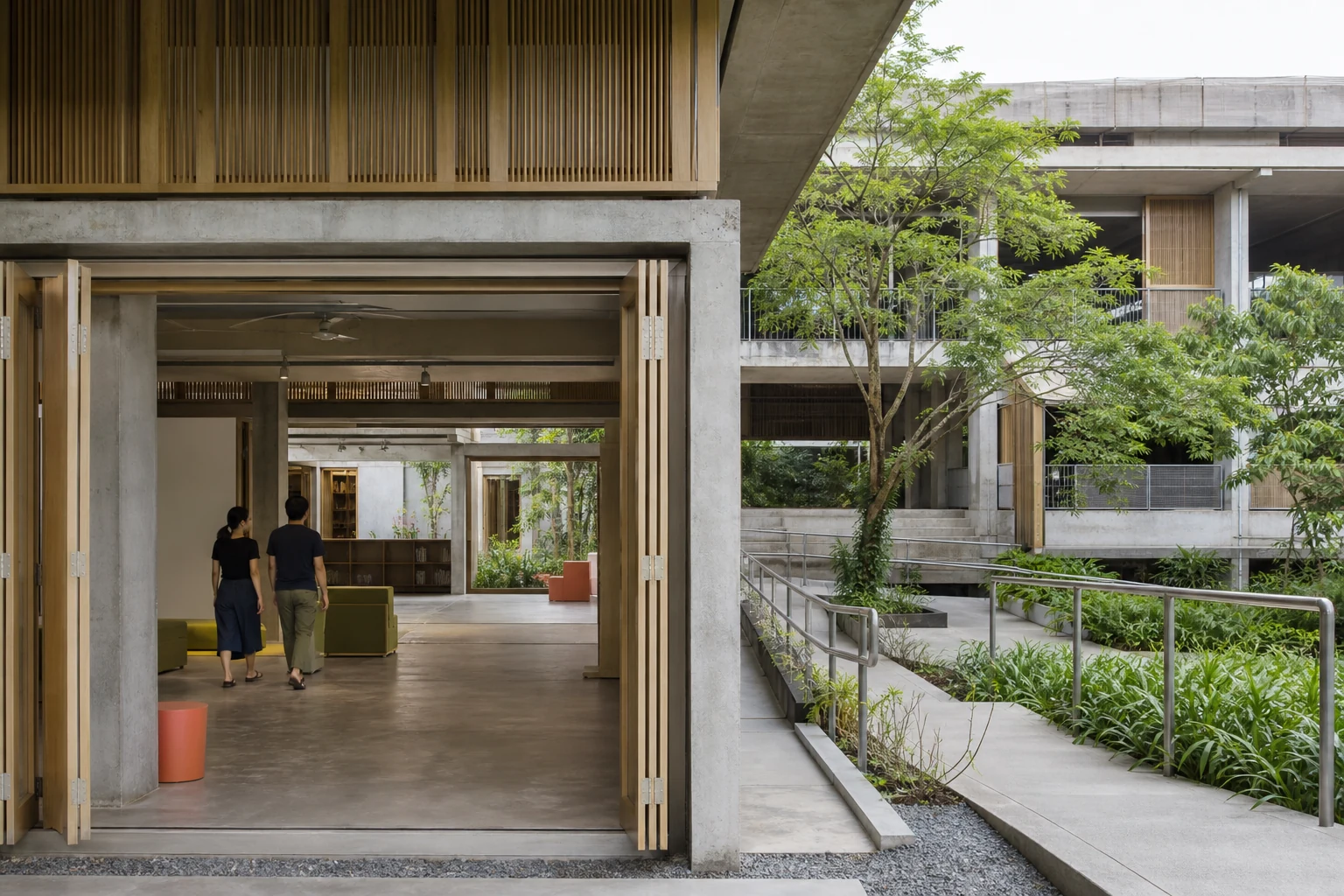
The built environment remains inspectable evidence that can be compared with its level, zone, and model view.