Room 03 / System
Inspectable boundaries, roles, and history.
Planroom XR separates project sources, the review room, and outputs so each team can see what enters, who may act, and when something leaves.
Project boundary · access roles · history controls
Next: Plans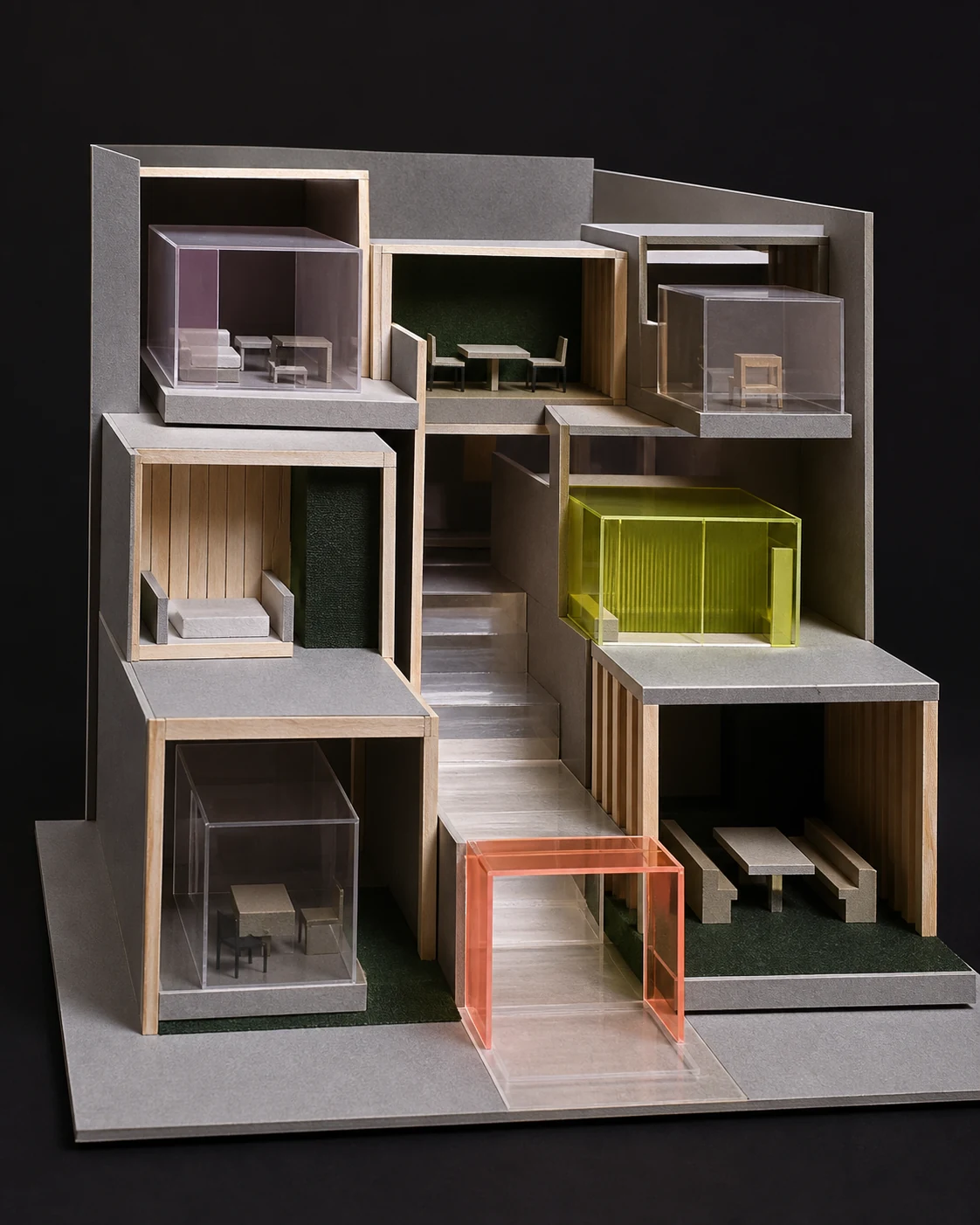
The nested-room model translates system boundaries into inspectable rooms, thresholds, and routes.
System boundary
Three working zones, one visible sequence.
Project sources enter the review room; decisions and exports move out only through explicit actions.
- Discipline models
- Drawings and documents
- Field evidence
- Federated views
- Issues and comments
- Decision history
- Saved views
- Issue register
- Decision package
Access roles
Actions follow responsibility.
Roles do not change the project content. They determine who can set up the workspace, publish views, close decisions, or review only.
- 01Project adminManage
Manage members, connectors, exports, and workspace closure.
- 02CoordinatorAct
Publish views, assign issues, and route actions.
- 03ContributorContribute
Add comments, evidence, and responses in assigned context.
- 04ReviewerReview
Open shared views and add scoped questions.
History and retention
Versions stay ordered; removal stays deliberate.
A new model does not overwrite its predecessor. The project admin defines the history window, export rights, and when a workspace closes.

The built space provides factual context for checking changes between model, decision, and project condition.
- Versions
- Each publication adds one point to project history
- Decisions
- View, zone, reason, and responsible role stay attached
- Exports
- Only a project-admin action creates an output
- Closure
- A closed workspace becomes read-only before removal
Integrations and support
Connect project tools without obscuring data ownership.
Connectors bring models and documents into the workspace. The source stays named, sync can stop, and exports begin with an admin action.
- Model authoring
- IFC and project connectorsPer version
- Documents
- Drawings, PDF, and zone referencesOn demand
- Issues
- BCF and project registersTwo-way when enabled
- Support
- Team guides and onboarding sessionsBy plan
Apply these boundaries to a working view.
Choose the scenario, emphasis, density, and guest visibility.